Finding images on GoAffiliatePro
How to find the right SnoozeShade images
We love collaborating with influencers, baby sleep experts and brands — and that often means sharing images.
Please don’t just grab pictures from Google or old posts - SnoozeShade has been around for 15+ years and there are some truly dreadful old photos we never want to see again 🤣
To keep it simple, we’ve uploaded approved digital images and assets to our GoAffPro platform.
If you’re already an affiliate, just log in as normal and head to Marketing Tools on the top bar..
If you've used our general log in email then don't worry when it says you'll get a verification email - you just ignore it and carry on as below:

Then click on Media Assets to see the folders available.
Inside you’ll find:
- Product cutouts on a white background
- Product cutouts with transparent backgrounds
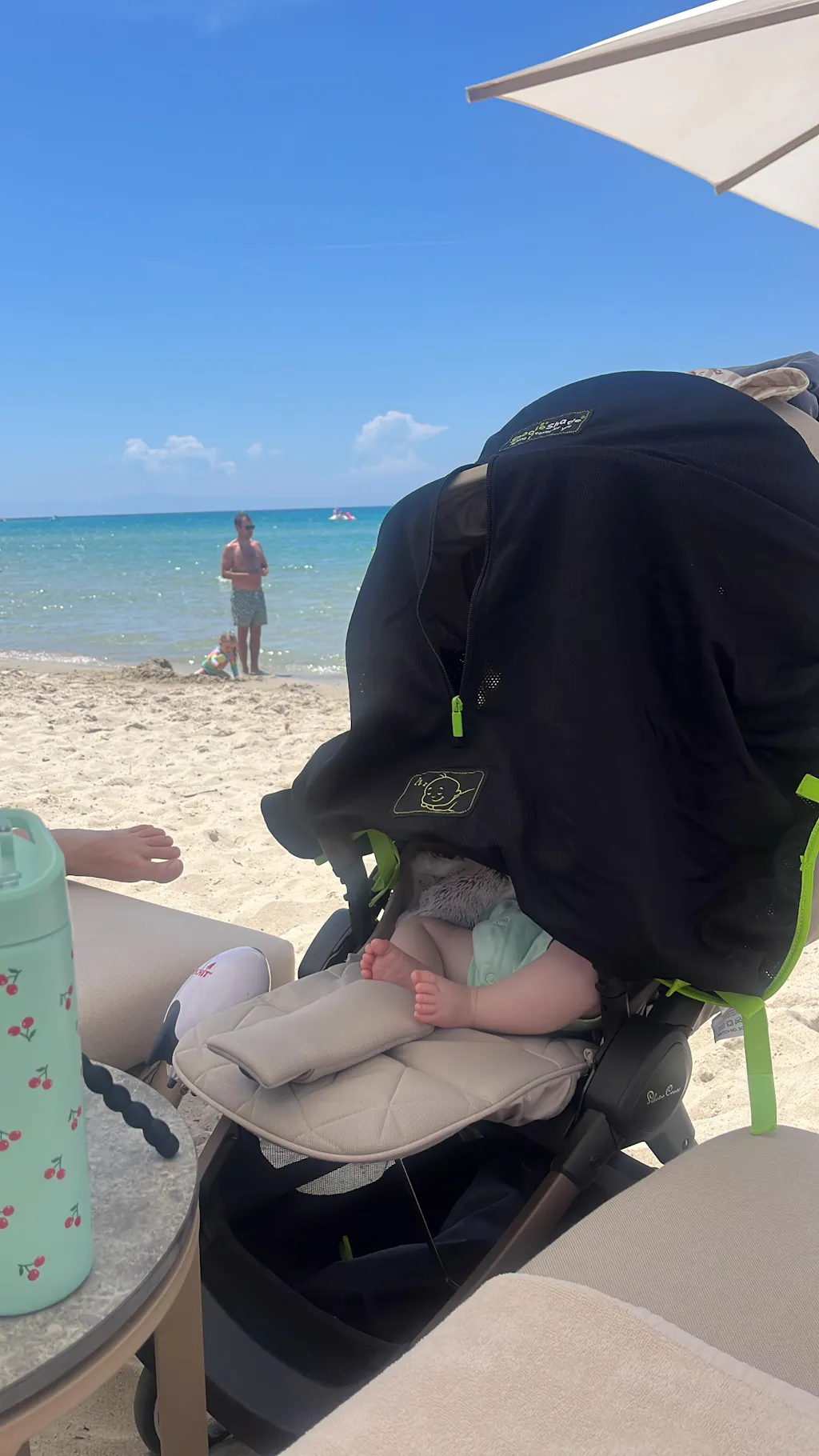
- A small selection of lifestyle images
- Logos — both plain (transparent background) and round versions

If you need something specific, let us know and we can add it in.
Don’t have a GAP account yet?
➡️ Create your GAP UK account here
At the moment, assets are only on our UK GAP account.
If you’d rather not sign up, message us and we can give you our dummy account login details.